
ScreenConnect Hack? Scam?
A few days ago a family member was struck - they fell for an email that was disguised as an invite to an event, when it was really a hack. The card attached to the invite was not a card, but instead a download link to an attacker's screen control software.
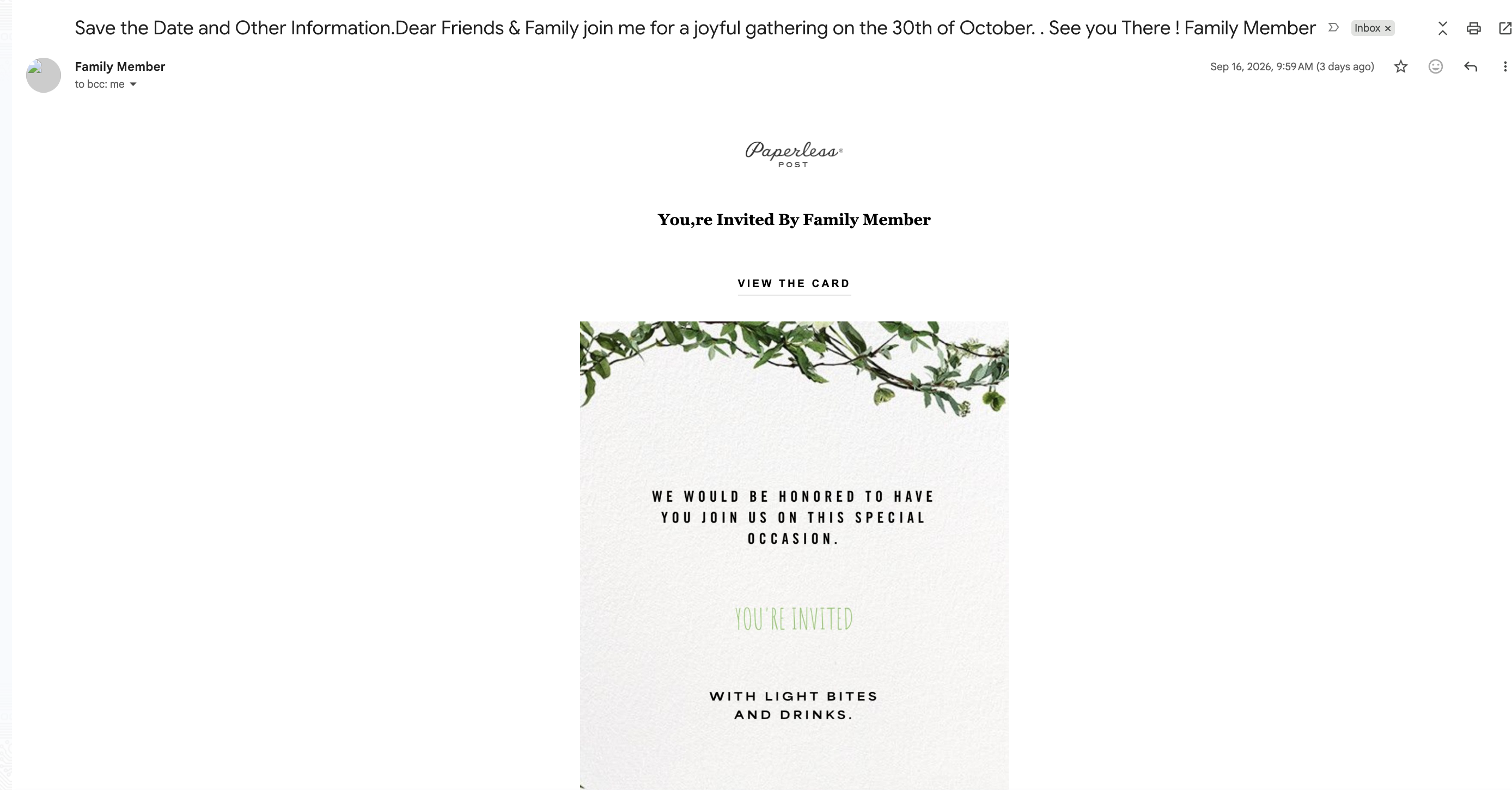
This in turn led to them emailing their entire inbox a similar type of scam which then arrived at my email inbox. I read the subject and immediately thought - "Well I can't make that date" and texted Alyson that we were invited to something that was a conflict.
As I opened the email and realized there was no details about the event I texted Alyson again saying it was pretty strange for such a thing. I then jumped into a few meetings and shortly after I was getting a call from the above family member. Very clever of the attacker if intended since 50 days away from a wedding means we have lots of little events with digital invites, so it blended in at first notice.
She quickly mentioned she did not invite anyone to an event and believed she was hacked. I found a little gap in my calendar and we met back up on a call in ~30 minutes. She mentioned she changed her password for her email recently and I was nervous - that might have been a sign of an intruder on her account triggering a password change.
Unaware of the state of her personal machine - I asked for the password and tried signing in on my machine for no success. So she screen shared over Google where I could take control of the computer via Remote Desktop feature. Knowing she hadn't gotten any emails since 9am I figured a forward was in effect.
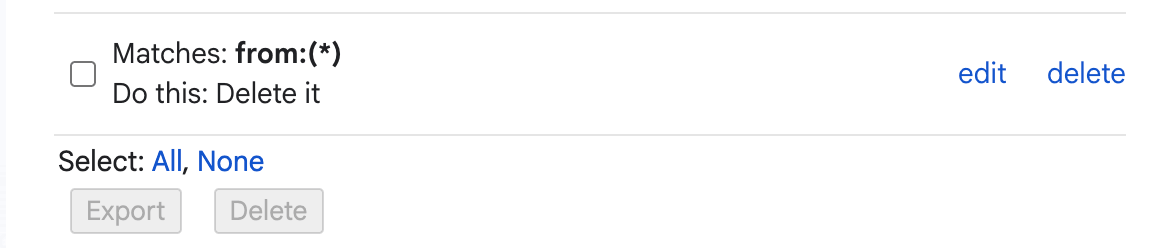
Instead I found a filter (the only one) that was affecting ALL emails to instantly delete them. A clever little trick from the attacker as anyone following up on the suspected hacked email would be instantly deleted, thus not notifying the family member.
At this point her Google account seemed fine - there was no logins, no password changes, no access from recently added apps. She mentioned she got the exact same email she sent out, but couldn't download the invite. Sure enough she did not start this train of infections, but surely did not end it.
I peeked the trash and saw 3 copies of "ScreenConnect.exe" in there, so now I was a bit worried. Sure enough hiding in the task bar was a ConnectWise application for screen sharing with a session awaiting connections in the task bar. So this computer was susceptible to an attacker taking control of it at a moment's notice. I saw their last session resulted in 96 commands from the presumed attacker. I quit that application and watched it launch again automatically.
Basically at this point I was under impression an attacker having unfettered screen control access to a Windows 11 machine with 96 commands executed has probably owned the machine more than I even know. With work engagements approaching we agreed to pull the internet, turn off the laptop and wait till Sunday when I could wipe the computer and investigate further.
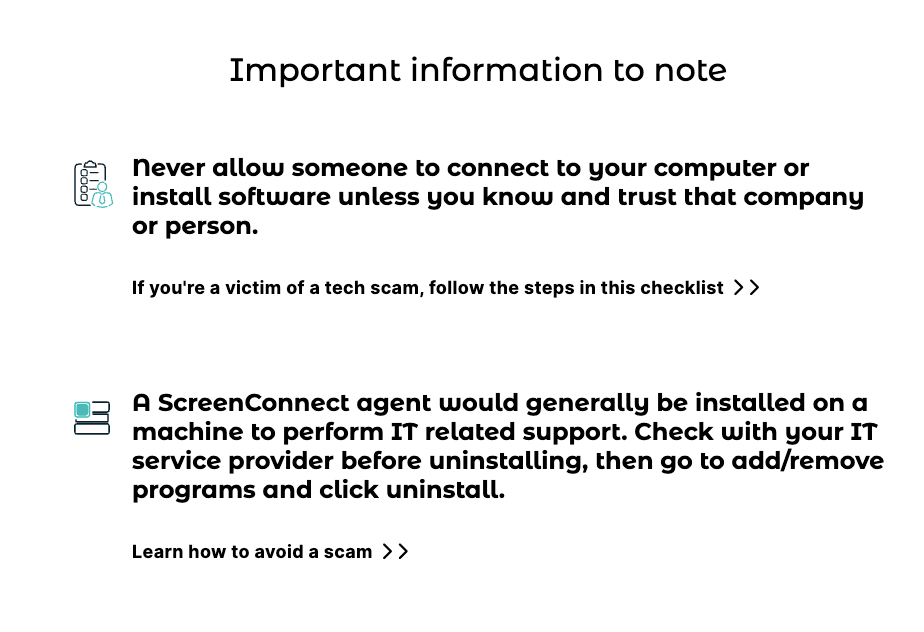
In the meantime before Sunday I did some research and it seems ConnectWise deals with this a lot - enough that they've designed a lot of pages to guide people through this exact scam.
So as Sunday arrived I had the computer in my hand and booted it up without Internet with it physically in front of me. I started with a PowerShell admin session and proceeded to uninstall the programs after recording the configuration they used. This worked with simple commands like:
Get-Package -Name "ScreenConnect Client (4b97b181c5bc81b3)" | Uninstall-PackageRemoving ScreenConnect scam/hack.
At this point I backed up some photos and documents and reinstalled Windows 11. When a fresh Windows 11 booted up I couldn't believe how much pure garbage was installed by default. Gone are the days of a Windows XP machine booting up so elegantly - now we had to get to work to cleanse it.
It seems the Raphire/Win11Debloat was extremely popular and what I remember using on my own gaming computer, so we ran that to cleanup the machine. This purged all the weird useless default applications, disabled telemetry and removed all the unneeded AI features.
We installed the programs she needed and outside of the stress of cancelling credit cards - it was all done. I don't even know how to recommend cleanup for folks I've never met and might be in their 80's also infected by this. You could go to a shop and hope they'll wipe the computer and reformat, but that won't help the email account(s) that have been configured to delete everything.
It's unfortunate people in the world result to behavior like this which more than likely targets the older generation. Since not many folks born recently will download an executable binary and execute it thinking its a digital invite. However saying that, I could spread malware in my own dark times by just naming botnets after popular movies with an .exe at the end and uploading places. These would gain infections at a rate that was scary to believe.
So knowing I couldn't individually help everyone infected. I got to work doing what I could. I dumped the configuration files of the infections to find the command server. One infection was using ConnectWise infrastructure and the other some random domain that was only days old.
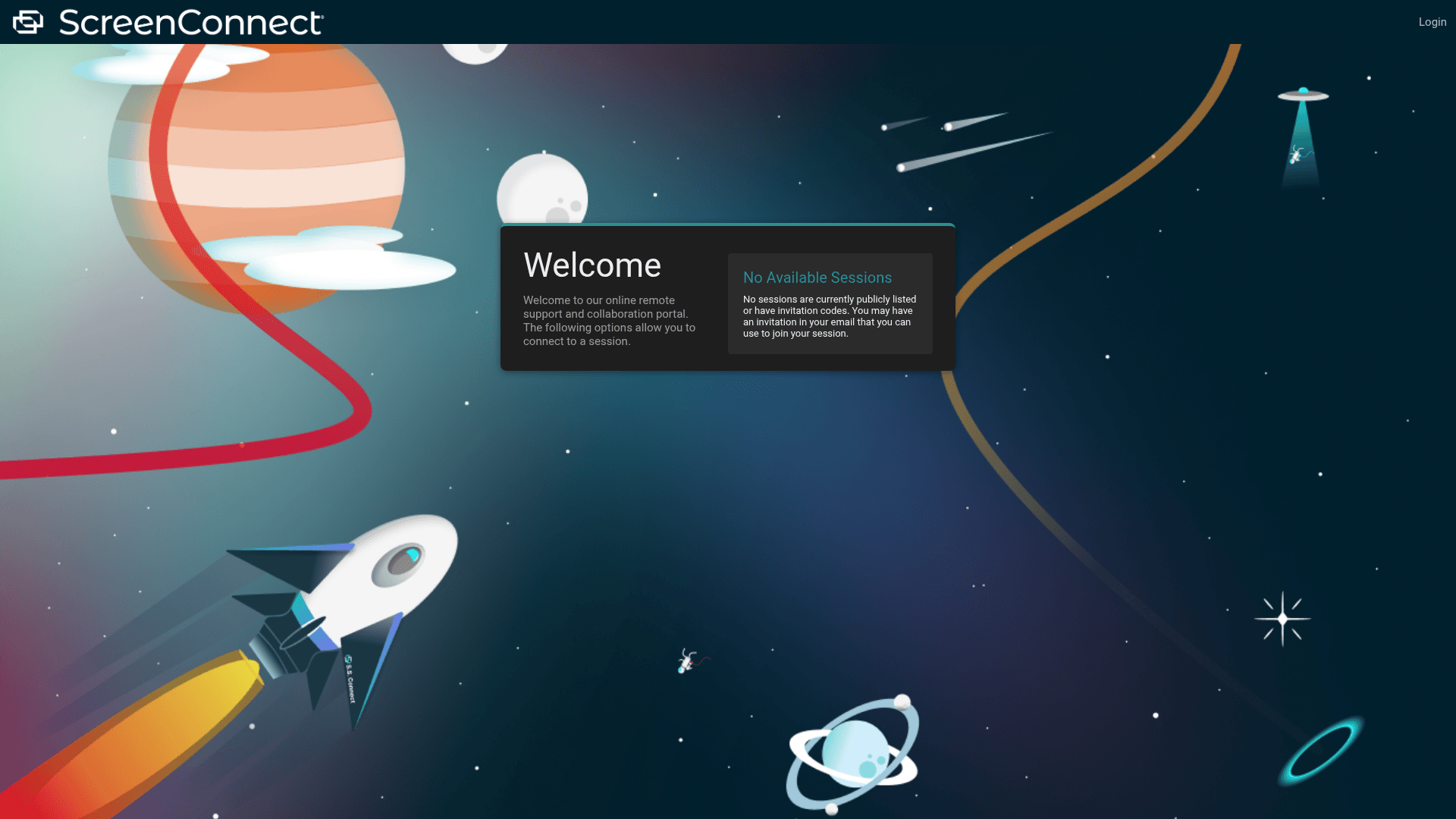
neseethemhereyomi[dot]comThis sent off some alarm bells, so I got to work:
- I forwarded the email to Paperless Post phishing as their branding was used.
- I submitted the shortcode domain to Abre.AI (the redirect).
- I submitted the ScreenConnect URL to ConnectWise Abuse (the program).
- I submitted the domain to Namecheap Abuse (the domain).
- I submitted the IP to SpinServers (the server).
- I submitted the domain to Google Safe Search as malware.
- I added feedback on VirusTotal for the domain.
I may not be able to help everyone, but did what I could. Hopefully all abuse reports are taken seriously and we can rid the web of this specific scum.